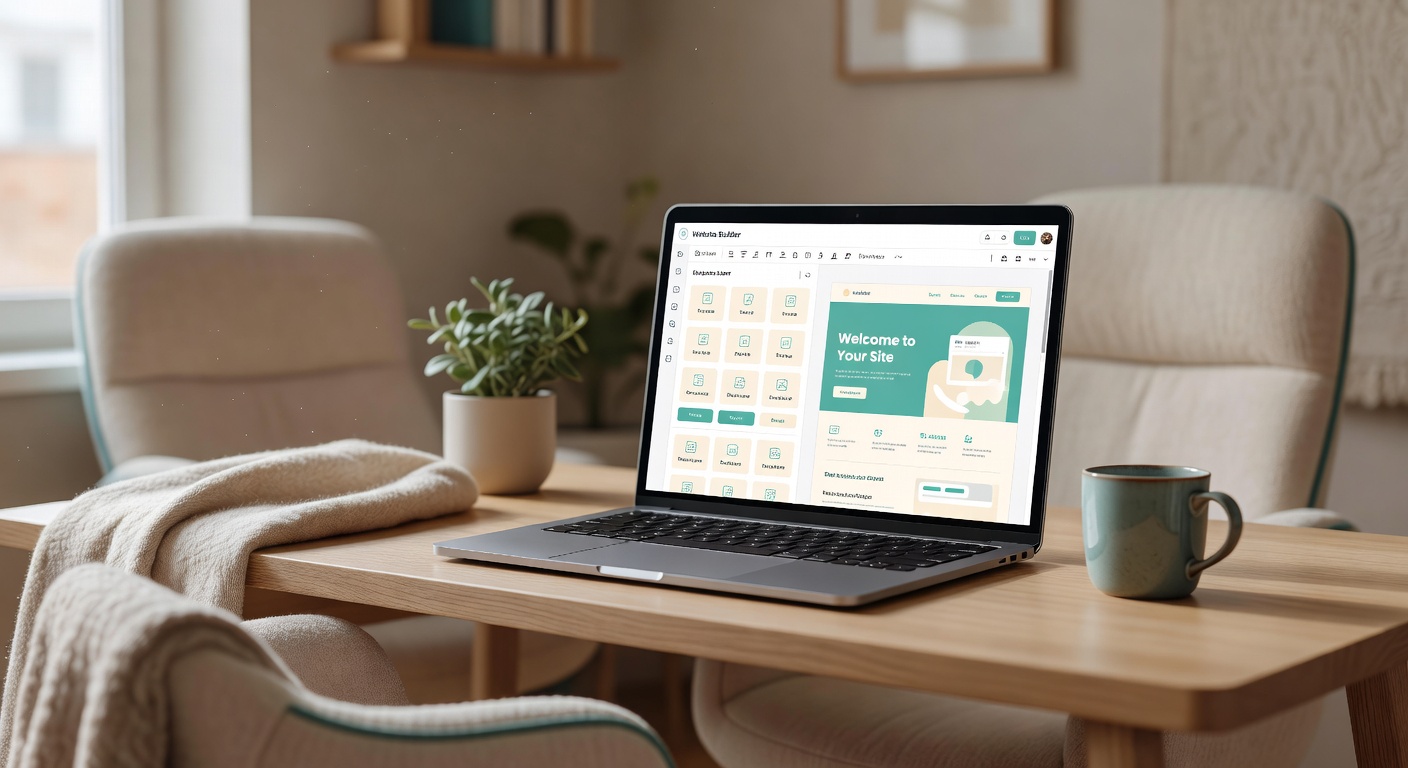
Buildy replaces the developer you could not afford and the stack of five separate tools you did not have time to learn.
Disclosure: This post includes my Buildy affiliate link. If you sign up through my link I may earn a commission at no extra cost to you. I link to it because I built this site on it.
The site you are reading right now — The Freedom Shift — runs on Buildy. I did not hire a developer, I did not use WordPress, and I did not stitch together a site builder, a blog, an email tool, and an AI chatbot from different companies.
What Buildy Actually Does
Buildy is an all-in-one builder where you talk to it in plain English and it creates the pieces of an online business.
You describe what you want — "a site for women over 40 starting side hustles with AI, with a blog, email signup, and simple checkout links." It builds the website, the blog CMS, the pages routed for SEO, the email capture and sequences, and AI agents that handle basic customer questions. Everything lives in one dashboard.
For a hands-on comparison: with Wix or WordPress, you pay for the builder, then you pay for email, then you hunt for a chatbot plugin. Buildy ships those as part of the same system.
How It's Different From Wix and Squarespace
Wix and Squarespace are drag-and-drop. You move boxes, pick templates, and figure out the rest yourself.
Buildy is chat-first. You say "make the hero warmer, add a section for vetted side-hustle strategies, move the Kit form higher." It edits the code and copy for you. If you need to fine-tune, you can, but you are not starting from a blank grid every time.
For someone with limited time after work or between family responsibilities, that difference matters. You get a usable draft in minutes, not a weekend of aligning columns.
Real Pricing in 2026
Buildy lets you start building for free to see the editor work. Paid plans unlock publishing with a custom domain, blog storage, email, and marketing features.
Buildy's public pricing is shown inside the app after signup and changes periodically. As of early 2026, the typical structure listed on deal pages and in-app is:
- Free: Build and preview in the dashboard, limited publishes.
- Starter around $24/month: Custom domain, basic blog, email capture, 1 site.
- Business around $49/month: Removes branding, adds more blog and email automation slots, ad creatives.
- Pro around $99/month: Higher limits, multiple sites, priority support, AI agents and advanced workflows.
I built The Freedom Shift on a paid plan and stayed because it replaced two other subscriptions I was paying for. Check your dashboard at buildy.ai for the exact current numbers before you buy — I review these quarterly but pricing moves.
What It's Genuinely Good At
Speed from idea to live site. I went from prompt to published site in under 48 hours, working between gaps in the day. That timeline is realistic if you have your core offer and a few brand colors ready.
No-code that stays no-code. You do not need to touch CSS or plugins. The system handles hosting, security, and updates.
Built-in marketing, not bolted on. The blog module, email sequences, and ad copy generation are in the same place as the site. You can ask it to "turn this post into three Pinterest captions and a welcome email" and it will.
Built for non-technical founders. If your background is corporate operations or caregiving, not coding, the chat interface lowers the learning curve that stops most side hustles in week one.
What It's Not Good At
If you want to write custom code or have pixel-level control over every animation, you will feel constrained. Buildy gives you clean, modern layouts, but it is not Figma to code.
Complex e-commerce with 500 SKUs and custom checkout logic belongs on Shopify. Buildy is strongest for content, affiliate sites, digital products, and simple service businesses.
And while the AI draft copy is solid for first versions, it still needs your voice. I rewrite every post intro and every email that carries my story. Plan for that 20 to 30 percent edit time.
The Results: Why My Site Runs on Buildy
Before Buildy, this project was on WordPress with a theme, seven plugins, and a developer I messaged whenever something broke. Every update was a risk, and every small edit took a ticket.
I moved The Freedom Shift to Buildy to cut that overhead. One login. No plugin conflicts. I can publish a review, update a comparison table, and send an email without leaving the dashboard. For vetted side-hustle strategies and regulatory risk reports, I need time spent vetting, not debugging.
That shift is the reason the site stays current. When you have limited hours, reclaiming your time is the feature that matters most.
Who Should Try It and Who Should Skip It
Try Buildy if you are:
- A busy parent or full-time employee testing a first side hustle and you need a site live this week.
- Selling digital products, affiliate content, courses, or simple services and you want blog plus email in one place.
- Overwhelmed by AI tools and you want one vetted system instead of ten tabs.
Skip Buildy if you are:
- An agency that sells fully custom-coded sites to enterprise clients.
- Needing advanced e-commerce inventory, multi-currency checkout, and complex funnels from day one.
- Someone who only wants a 100 percent free tool and will not pay for hosting and marketing in one plan.
If you fit the first list, start with the free build and publish one page. Tell it who you serve, what you help them shift from, and what simple offer you want to test. You will know within an hour if the workflow fits how you work.
Ready to test it? You can build your draft in Buildy here and see how your idea looks as a real site. If you stay, you help support my research at no extra cost. If not, you still keep the clarity of seeing the idea out of your head and on a page.
