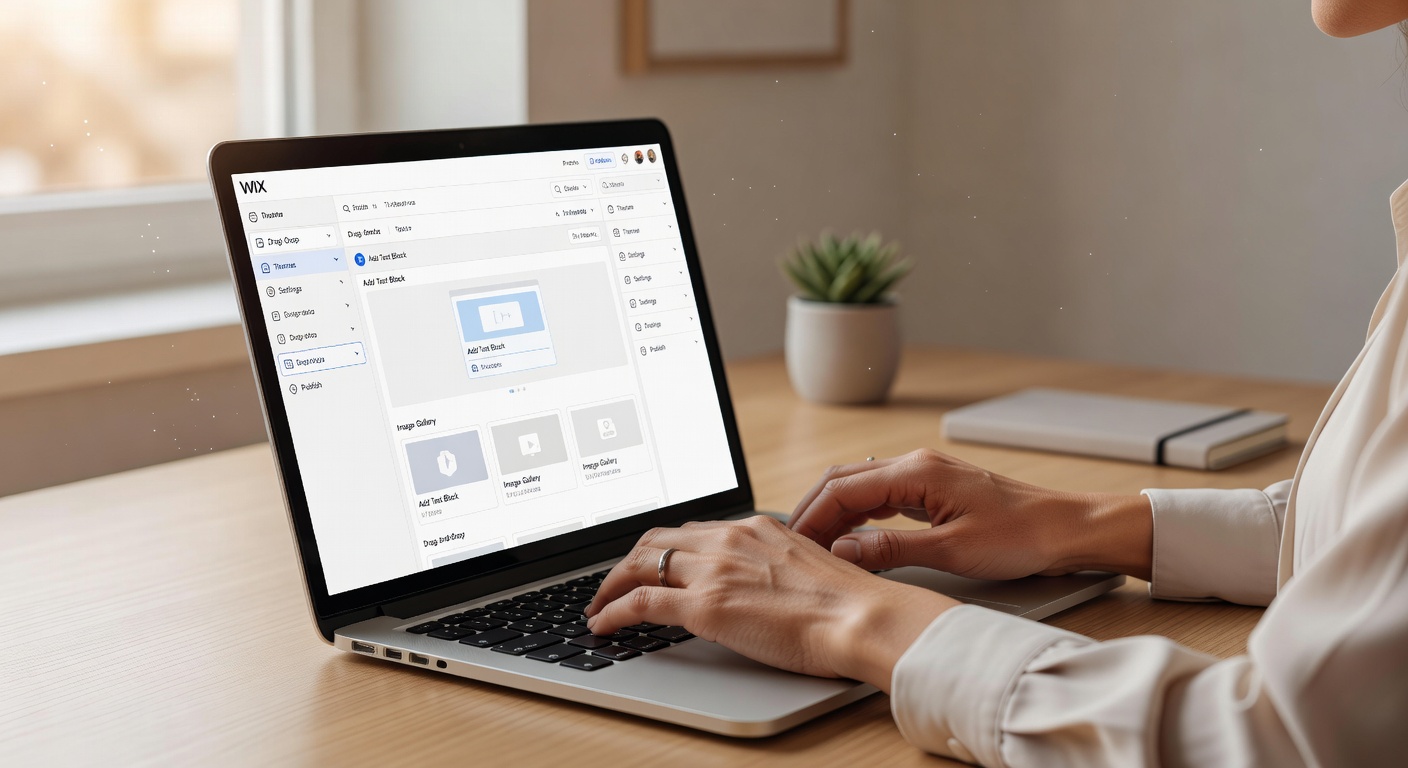
Wix suits busy women over 40 who want a polished, professional site without hiring a designer or learning code, and who do not mind spending a few hours choosing and tweaking a template.
Disclosure: This post may contain affiliate links. If you buy through them, I may earn a small commission at no extra cost to you. I only recommend tools I have personally used and vetted for this audience. Wix links here are not affiliate links unless noted.
What Wix does well
I have built three sites on Wix now, two for my own offers and one for a client. After the third, the pattern is clear.
Templates that actually look good. Wix has over 900 templates and most of them look current. For a side hustle selling planners, coaching, or digital products, you can find a clean layout that works on mobile without starting from scratch. Fonts, colors, and sections are easy to change.
True drag-and-drop editing. You click the thing you want to move and move it. For non-technical founders, that matters. You do not need to learn blocks or containers. My first Wix site took about 3 hours from template pick to published page.
App Market that fills gaps. Wix has an app marketplace for bookings, events, email marketing, print-on-demand connectors like Printful, and SEO tools. You can add a booking calendar for coaching or an email popup without another subscription at first.
AI help that saves time. Wix ADI can draft a first version from a few prompts about your business type. Their AI text generator writes product descriptions and about pages, and the AI image tools clean up phone photos. I treat the AI copy as a first draft, not final copy. You still need to add your voice.
What Wix struggles with
Pricing climbs as you grow. The free plan is fine to test, but you cannot use a custom domain and Wix shows ads on it. Once you add paid apps, email, and a domain renewal in year two, the monthly cost is higher than the plan price suggests.
Lock-in is real. You cannot export your Wix site cleanly to WordPress or Shopify. If you leave, you rebuild. Templates also cannot be swapped mid-project without rebuilding the content. That decision up front matters.
Feature overwhelm. Wix tries to do everything, which means the dashboard has a lot of menus. The editor is simple, but the back end for email, automations, and e-commerce takes an hour to learn. It is not complicated, just busy.
AI copy can sound generic. If you use the AI writer without editing, your site sounds like everyone else. Paste your own story and examples in, then let it tighten the wording.
Wix pricing in 2026: What you actually pay
Prices below are for annual billing paid yearly. Paying month to month costs more, usually $7 to $13 extra per month per plan.
- Free: $0. Wix ads, no custom domain, 500MB storage. Good for testing a layout only.
- Light: $17 per month billed annually, about $24 month to month. Custom domain, 2GB storage, light marketing tools. Best for a simple landing page or resume site.
- Core: $29 per month billed annually, about $36 month to month. No Wix ads, 50GB storage, basic e-commerce for up to 5,000 products, standard AI tools. This is where most side hustles should start.
- Business: $39 per month billed annually, about $43 month to month. 100GB storage, advanced e-commerce, subscriptions, more marketing automations, ability to connect a POS.
- Business Elite: $159 per month billed annually, about $172 month to month. Unlimited storage, priority support, advanced reporting, multi-site collaboration. Only needed if you are scaling past $10K per month.
Hidden costs to budget:
- Domain is free the first year on annual plans, then about $16 to $20 per year after.
- Business email through Google Workspace costs extra, around $7 per user per month.
- Some App Market apps charge $5 to $30 per month, like advanced review widgets or shipping calculators.
- Transaction fees depend on your payment provider, not Wix, but Wix Payments has its own processing fee similar to Stripe.
Setup time: 2 to 4 hours for a first site if you already have your logo, photos, and copy. Less than an hour if you use an ADI template and keep it simple.
Wix vs Buildy: Honest comparison
My audience already knows Buildy from my homepage. I use both, for different reasons.
Where Wix wins:
- More design control. If you know exactly how you want a page to look, Wix gives you pixel-level control.
- Deeper app ecosystem. Bookings, restaurants, events, and memberships are built for Wix already.
- Proven e-commerce. Product variants, digital delivery, subscriptions, coupons, and tax tools are mature.
- Brand trust and support. Wix has been around since 2006, has live chat support, and extensive help docs.
Where Buildy wins:
- Speed. You describe your business in one prompt and Buildy generates the full site with copy and layout.
- Less decision fatigue. Wix asks you to pick a template and then make 50 small choices. Buildy makes those choices for you.
- Beginner mental load. If the Wix editor feels like too much, Buildy feels lighter. You edit by chatting, not dragging.
- Launch focus. Buildy is built to get you live today, not perfect next month.
If you want to learn more about Buildy, my full review is here: Buildy Review for Side Hustles. That link goes to my own site, no affiliate markup.
Who should use Wix, and who should skip it
Wix is a good fit if:
- You are starting a coaching, organizing, crafting, or digital product side hustle and want a site that looks professional by the weekend.
- You enjoy picking a template and making it yours, and you want control over fonts, spacing, and images.
- You need bookings, online store, and email capture in one dashboard without stitching five tools together.
Skip Wix or consider something else if:
- You want the fastest possible launch and feel overwhelmed by choices. Buildy or a simple Gumroad page will get you selling faster.
- You plan to run a large product catalog or complex subscriptions. Shopify or Systeme.io can be simpler for that at scale.
- You know you will need to move your site elsewhere in 6 months. Start on a more portable platform now to avoid rebuilding.
Final take from a 54-year-old founder
For most women 40 and up starting a simple, real side hustle, Wix is a solid choice. It is not the cheapest and it is not the fastest, but it is reliable and it looks good. That builds trust with buyers who do not know you yet.
Start on Core, use a clean template, keep your copy short, and add only one app at a time. If you feel stuck after two hours, you may want Buildy for your first site and Wix for your second, more customized version later.
The best website builder is the one you actually publish. Pick one this week, get your first page live, and spend the saved time talking to real customers. That is what reclaims your time, not another week of tweaking fonts.
